How To Update ChipChip
Because WhatsApp frequently updates its platform, it is essential to run the latest version of ChipChip.
ChipChip’s newest version is 8.1.40
-
Open this link in your browser:
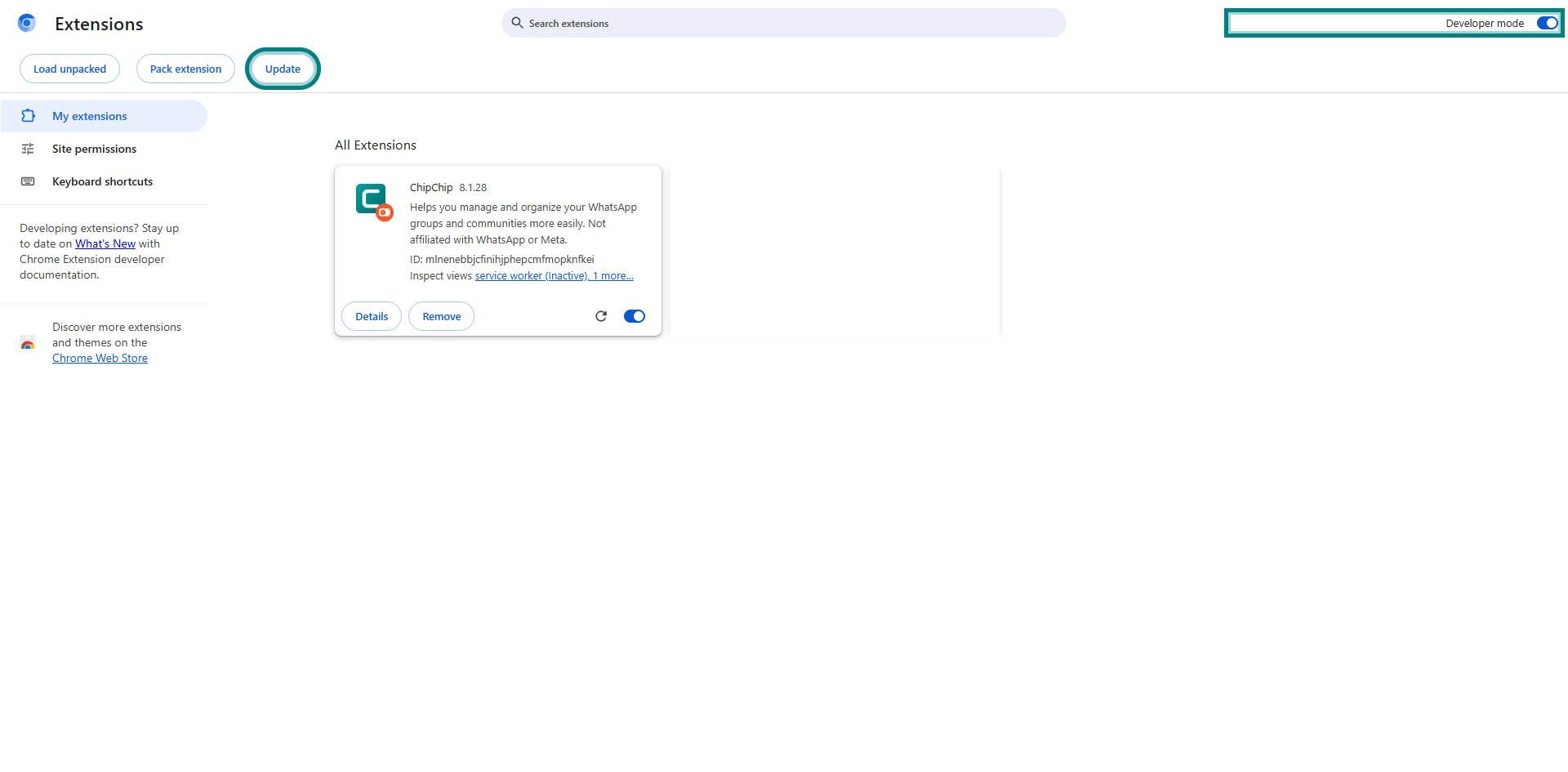
chrome://extensions -
Enable “Developer mode”
-
Hit “Update”
-
Refresh your WhatsApp Web tab