How to Clear WhatsApp Web’s Cache & Cookies
-
Head back over to WhatsApp Web and unlink your currently connected device.
-
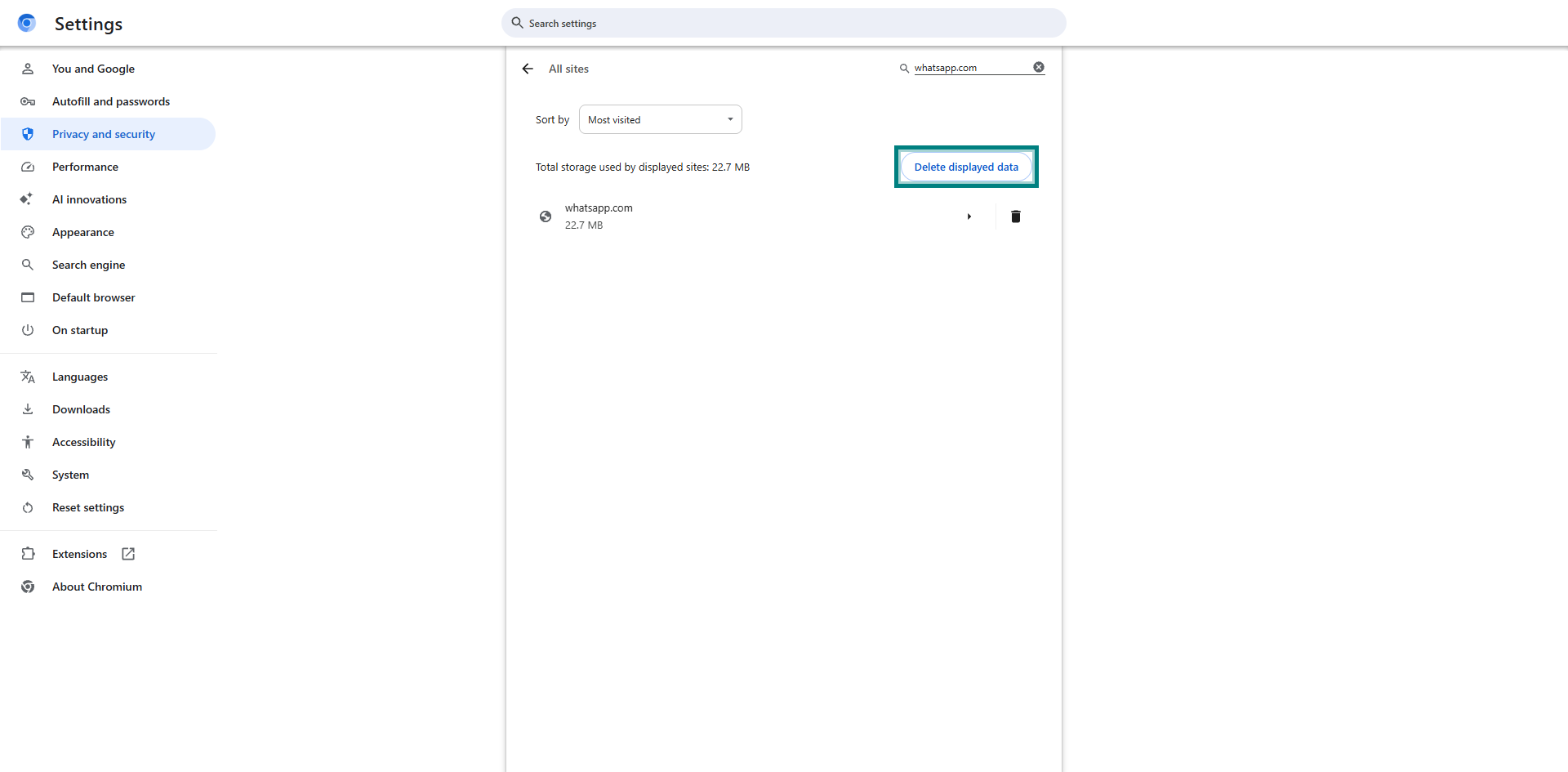
Navigate to the settings page by pasting this link into your address bar:
chrome://settings/content/all?searchSubpage=whatsapp.com -
Wipe any data entries that end with whatsapp.com.
-
Return to WhatsApp Web, reload the page, and link your device once again.